Google Search Console MCP Server: How I Automated SEO for 15+ Websites
A Google Search Console MCP server lets AI assistants query clicks, impressions, CTR, URL inspection, and sitemaps without CSV exports. Here is how I used it to automate SEO across 15+ websites.
I still remember the exact moment I realized my SEO workflow had become the bottleneck.
I had a long backlog of product ideas I wanted to ship, but instead of writing code, I was downloading another batch of Search Console exports with filenames like gsc_export_2026-04_final_v2.csv.
That routine made sense when I only had a few projects. It stopped making sense once I was actively managing more than 15 websites and digital properties. Every weekly review meant repeating the same loop:
- Open Google Search Console.
- Export performance data for each property.
- Upload the CSV files into an AI tool.
- Ask the AI to find content opportunities, low-CTR pages, indexing issues, and title problems.
The strategy itself was working. The workflow around it was the part that was broken.
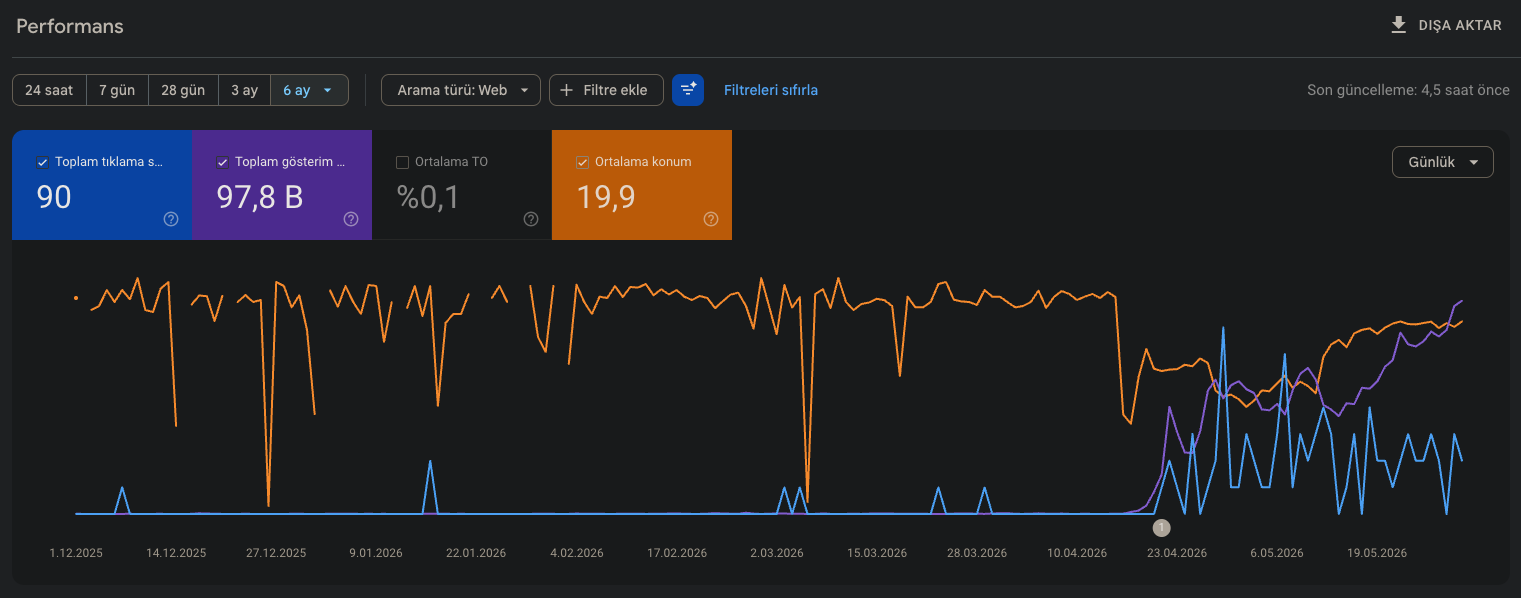
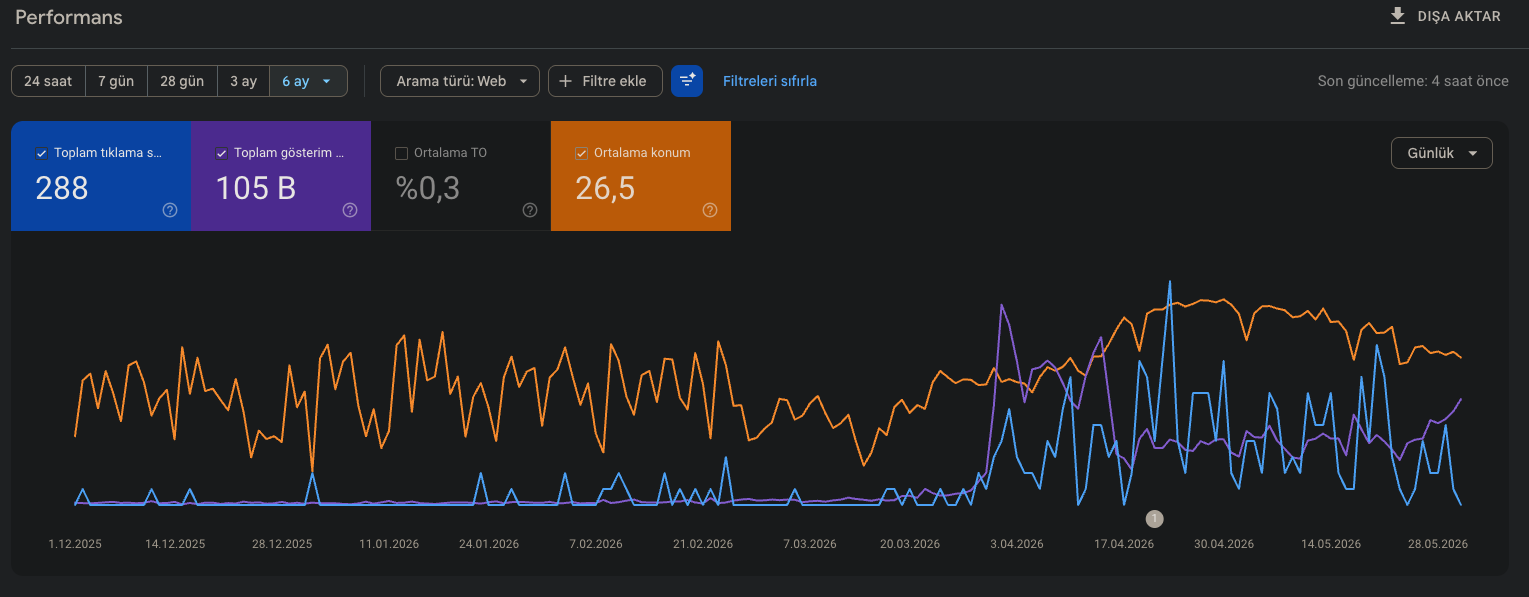
Why I Built a Google Search Console MCP Server
As an engineer, I have very little patience for repetitive workflows that exist only because two systems do not speak to each other yet. That was the real issue here.
I did not need another dashboard. I needed my AI assistant to work directly with live Search Console data instead of waiting for me to play courier between Google and the model.
So I built a Google Search Console MCP server.
MCP stands for Model Context Protocol. In practical terms, it gives an AI assistant a structured way to call tools and fetch real data. Instead of saying, “Here is a CSV, please analyze it,” I can now ask questions like:
- Which pages have high impressions but weak CTR in the last 28 days?
- Which queries are growing fastest for this property?
- Is this URL indexed, or is Google ignoring it?
- Which sitemap is failing and what should I fix first?
That change sounds small, but it completely changes the workflow. The assistant no longer starts from stale exports. It starts from evidence.
What Search Console Data an AI Assistant Can Actually Use
The value here is not just convenience. It is that the underlying Search Console API already exposes the core data you need for real SEO work.
According to Google’s Search Console API overview, the API provides programmatic access to major Search Console functions, including search analytics, properties, sitemaps, and page-level testing/inspection workflows.
For performance analysis, Google’s documentation shows that you can query Search Analytics data across dimensions such as page, query, country, and device, and you can segment by search type such as web, image, or video. That means an AI assistant can work with the same signals SEO teams already care about: clicks, impressions, CTR, and average position.
In other words, this is not fake “AI SEO.” It is the same Search Console evidence you already trust, but routed into a workflow where the assistant can actually operate on it.
Where the MCP Layer Helps
The raw API is powerful, but it still expects engineering effort. MCP is what makes the data usable inside an assistant workflow.
With the MCP layer in place, the assistant can:
- List available Search Console properties
- Query performance for specific dates, pages, or query patterns
- Filter by country or device when diagnosing drops
- Inspect URLs when a page should rank but does not appear indexed
- Review sitemap state without switching tools
That makes it much easier to move from diagnosis to action. Instead of collecting data in one place and deciding in another, the analysis and recommendation happen in the same loop.
Important Limitations You Should Know
This workflow is much faster than exporting CSV files, but it still inherits the underlying rules of Search Console.
First, the data is not real-time. Google’s own documentation says Search Console performance data is typically available after 2 to 3 days. So if you expect minute-by-minute SEO telemetry, this is the wrong tool. It is built for decision-making, not live monitoring.
Second, Search Console query detail has limits. Google documents a maximum exposure of 50,000 rows of data per day per search type, returned in pages. The same documentation also notes that if you ask for extra detail with combinations like page and query together, some data may be dropped. That is not a limitation of MCP; it is simply how Search Console works.
For me, that is still more than enough. Most high-value SEO decisions do not require endless granularity. They require finding the important patterns quickly and acting on them.
How I Use It in Practice
Once the server was in place, my weekly process changed from “collect data first, think later” to “ask better questions immediately.”
These are the kinds of workflows where it saves the most time:
- Low-CTR opportunity finding: surface pages with strong impressions but weak click-through rates, then rewrite titles and descriptions.
- Content expansion: find query clusters that are already getting impressions but do not yet have dedicated pages.
- Indexing audits: inspect URLs that should be eligible but appear stuck outside the index.
- Sitemap triage: identify which sitemap or property needs attention before wasting time elsewhere.
- Device or country diagnosis: compare mobile versus desktop performance or spot underperforming markets.
The biggest gain is not that the AI writes faster. It is that the assistant starts with the right data, which means the recommendations are far more grounded.
Who This Is For
A Google Search Console MCP server is especially useful if you are in one of these groups:
- Indie hackers managing multiple small sites
- SEO consultants who regularly audit client properties
- Content teams trying to turn performance data into a publishing roadmap
- Developers building AI-assisted SEO operations around real evidence
If your current workflow involves downloading CSV files, uploading them somewhere else, and repeating the same prompts every week, this will feel immediately better.
Where to Try It
I packaged the workflow so it is easy to use without building your own bridge from scratch.
You can see the product overview here: Google Search Console MCP Server.
If you want the hosted setup path, use the MCPize listing here: Google Search Console MCP Server on MCPize.
If you are using Codex, the setup flow shown on the product site uses a one-line MCP registration command, so getting from idea to first query is much faster than the old export-based process.
Final Thought
I did not build this because SEO needed more AI hype. I built it because I was tired of wasting engineering time on file handling.
Once Search Console data became available directly inside the assistant workflow, the whole process got tighter: less copying, less waiting, fewer stale exports, and better decisions.
If you are already using AI for SEO analysis, the next obvious step is to stop feeding it spreadsheets manually and let it work from the source instead.
Related writing
- 2023·06·05[TR] Kullanıcı sorgu formatı değişiyor, sorgu sonuç arayüzü değişiyor, artık serp ve anahtar kelime yok, sıralamanın olmadığı yerde sıra takipçileri ne yapabilir?1 min
- 2023·06·05The user query format is changing, the query result interface is changing, no more SERPs and keywords, what can rank trackers do where there is no ranking?2 min
- 2026·06·16The Practical Guide to Generative Media Workflows8 min